The Jerusalem Post
Jpost search icon google-icon iphone
  Set as Homepage
Tue, Jun 18, 2013   10 Tammuz, 5773
newspapers magazines
 
    • Breaking News
    • Diplomacy & Politics
    • Defense
    • National
    • Mideast
    • Syria
    • Iran
    • World
    • Business
    • Sports
    • Health & Science
    • Environment
  • Video
  • Opinion
    • Columnists
    • Editorials
    • Op-Eds
    • Letters
  • Jewish World
  • Lifestyle
    • Arts & Culture
    • Food & Wine
    • Travel
  • Features
    • Insights & Features
    • Week in review
    • On the Web
    • Shalva Superheroes
    • Obama in Israel
  • Blogs
    • In the news
    • Judaism
    • From the Middle East
    • Lifestyle
    • Aliya
    • Science and Technology
  • JPost Apps
    • iPhone app
    • iPad app
    • Android app
    • Twitter
    • Facebook
    • RSS feeds
    • JPost Toolbar
    • JPost Newsletter
    • JPost Alert
  • Premium Zone
    • The Jerusalem Report
    • Magazine
    • Metro
    • In Jerusalem
    • ePaper
    • Expert Opinion
    • Q&A
    • Dash
    • Christian Edition
    • Ivrit
  • French
    • Politique & Social
    • Affaires Palestiniennes
    • Diplomatie & Monde
    • Art & Culture
    • Israel
  • Green Israel
JPost Learn Hebrew  
Advertise with us  
Nefesh Guided Aliyah  
Eldan  
AFMDA  
YTA  
Isram Group  
JPost Twitter  
JPost Facebook  
Classifieds  


Breaking News
 
 
  • JPost.com
  • Life Style
 

Secrets of taking good pictures: A layer at a time

By TOM LANGFORD
01/29/2013 13:55
Tweet

Photography expert Tom Langford says that every picture must tell a story.

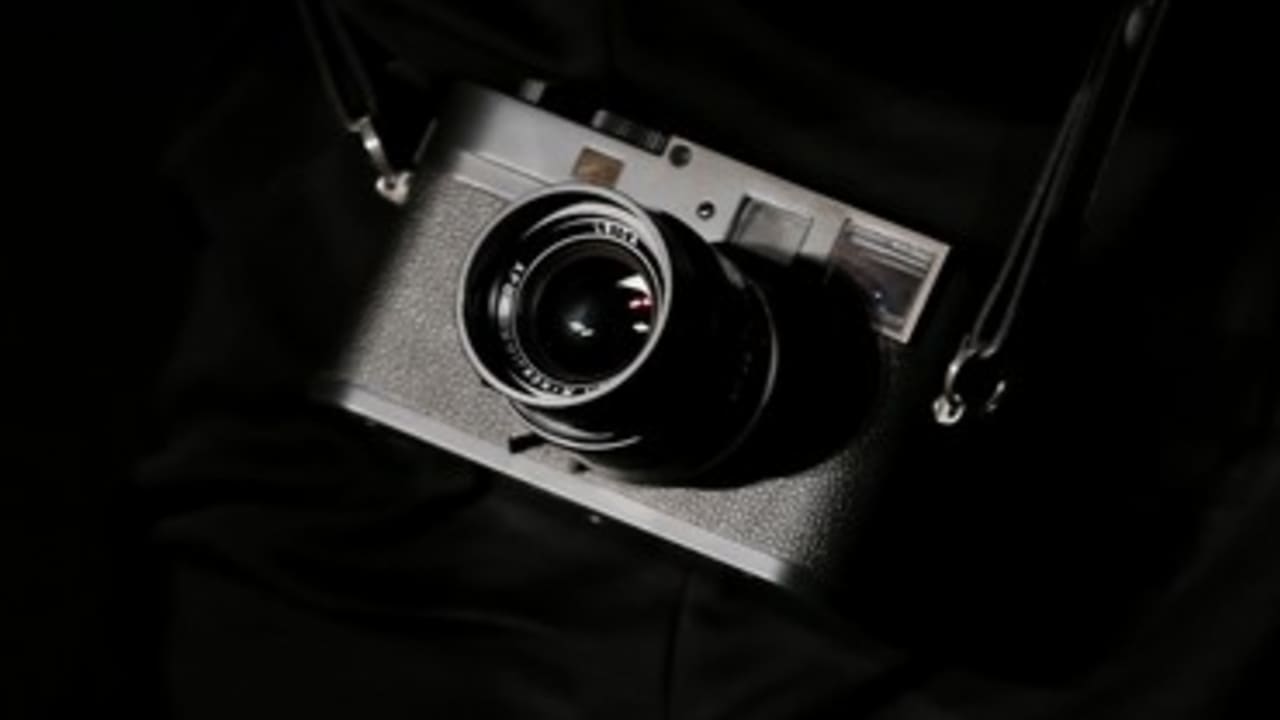
Camera
Camera Photo: Reuters
For photography enthusiasts the digital revolution started in the year 2000: The first affordable digital cameras with enough resolution to record a reasonable amount of detail were becoming available. Many of the earlier digital consumer cameras made only very small email-sized images.

Amateurs were experienced at using traditional wet darkrooms. They would adjust the contrast of different areas in the picture by altering the enlarger’s filters; they could darken and lighten different features by giving them more or less exposure. It was natural for enthusiasts to transfer these techniques to the “digital darkroom” and to embrace Photoshop.

Today the wet darkroom is now almost extinct and the skills of crafting an image seem to be dying out with it. Enthusiasts are often content with their pictures straight out of the camera and rarely take the trouble to improve them in any significant way.

Applications, such as Picasa and iPhoto can make excellent overall basic improvements, but are not intended for detailed digital darkroom work. For this you need to be able to work on discrete areas of the image, just as you would have done in a wet darkroom.

Basic Improvements


Here’s a brief demonstration of how basic Photoshop techniques can enhance a picture. The methods closely match traditional skills used to make decent black and white prints. Photoshop gives us the power to apply these methods to color pictures too, and not even get our hands wet.


Here is a picture as it came straight from the camera. It includes a lot of extra detail that does not add to the "story" so I’ll first crop it in Photoshop to concentrate the viewer's attention on what is important.


I can now see that there are two main areas that need improving: The pillow and bedding could be made less prominent, and the background could be lightened by the top of the girl’s head.


Here I’ve used a Curves Adjustment layer to reduce the contrast and darken the whole picture. This can be accessed by clicking on the Yin-Yang icon at the bottom of the Layers Palette and choosing “Curves” from the pop-up menu.)


On the New Curves layer is a small white box called a Layer Mask. I filled this with black (Edit > Fill > Use > Black). This “masks” the darkness and the picture returns to its original look.


I’ve now used a soft-edged Brush Tool to paint white into the Layer Mask. White reveals the Curves Adjustment in the pillow and bedding areas that I’ve painted - so they show the darkening and are now less prominent.


I have added another Curves Adjustment Layer, this time to brighten all of the shadows. As before, I filled the Layer Mask with black to mask this affect. I then used the soft-edged Brush Tool to paint white into the Layer Mask and reveal the brightness around the top of the girl’s head.

I also added a Hue/Saturation Adjustment layer to remove a little of the bright red in the girl’s hair.

It took me only a few minutes to improve this picture from the comfort of my living room and with half an eye on the TV. In the past, using film and traditional darkroom techniques it would have taken me about three hours to achieve a similar result.

Cameras don’t take pictures

Cameras don’t take pictures; they only record images. The slight amount of “digital darkroom” preparation of this picture is the very least I would do to any photograph that I wished to show. The improvements are solely intended to bring clarity to the photograph and help focus the viewer’s attention.

For me, if a picture is worth showing it is worth improving.

There are many online tutorials that deal with Adjustment Layers and Layer Masks - the learning curve is a little steep but well worth the effort. My technique of making an overall adjustment, masking it and then carefully painting the adjustment into certain areas is not the only way adjustment layers can be used, but works for me.

Fine-tuning

The beauty of using Adjustment Layers is “editability.” When saved as a Photoshop Psd file, all of the layers are preserved. I can open up this image in a few weeks or years time and make further adjustments and additions to the layers. I can re-edit it and never degrade the original picture.

As you work on more complex images and set higher standards for yourself, the ability to fine-tune your images will become more and more important. It’s so much fun and so satisfying that you will wonder how you ever felt content to accept images straight out of the camera.

Photoshop layering skills form the basis of more advanced work and as a professional retoucher and a photographer I use them every day.

Every image on my websites has been improved using layering techniques. When I work in advertising to retouch complex and creative images I use these same basic methods. Starting to use the Layers Palette now will allow you to develop your skills as far as you would like to take them.

Picture Clinic

If you would like to develop your photography skills, you are welcome to send to me one of your pictures that I may publish with some constructive feedback. Upload your picture here: http://www.clinic.langford.co.il

Tom Langford is an Event and Commercial photographer: http://weddingseventsisrael.com & http://www.langford.co.il

Details of his next photography and retouching courses in Israel: http://www.courses.langford.co.il.
  • Send
  • Large
  • Small
  • Print
  • Share
This article is by :
Tom Langford
Recent stories:
  • Secrets of taking good pictures: Points ...
  • Secrets of taking good pictures: My best...
  • Secrets of taking good pictures: Taking ...
  • Secrets of taking good pictures: Composi...
Most Viewed in
1
Alternatively Speaking: First and foremost
2
WATCH: Official Tel Aviv Gay Pride 2013 video
3
Secrets of taking good pictures: Points of view
4
Bar Refaeli backs LGBT rights with urinal photo
JPost Community
Tweet
photography israel story photoshop iphoto editing
Tweets by @Jerusalem_Post
Share this article
Tweet
Share
Send
Your comment must be approved by a moderator before being published on JPost.com. Disqus users can post comments automatically.

Comments must adhere to our Talkback policy. If you believe that a comment has breached the Talkback policy, please press the flag icon to bring it to the attention of our moderation team.
JPost Services
conferenceConference
newsletterNewsletter
iphoneMobile Apps
kotelcamKotel Cam
kolboJPost Alert
premiumPremium
JPost TV News  
Mobile Apps  
Bank Hapoalim  
Meir Panim  
Israel Law Center  
Inbal Hotel Jerusale  
Meier on Rothschild  
Weizmann Institute o  
JPost Premium Zone  
JPost kotel Camera  
         
 
Israel Focus
JPost TV News
Watch Now!  
Israel Law Center
The ultimate Mission to Israel, October 21 – 28, 2013 Register now!  
Nefesh B'Nefesh Guided Aliyah
Already living in Israel? Enjoy the Benefits of Aliyah!  
Give "Freedom" this Passover
to needy Israeli families. Donate now  
YTA – A Yeshiva in Israel…
in English. Come Join Us  
War Threatens
Protect the People of Northern Israel  
Bank Hapoalim
Israeli's number one bank  
Jerusalem Post Lite
Lite Edition of the Jerusalem Post for English improvement  
Learn Hebrew with us
Get 10 minutes free personal coaching in Hebrew through phone or Skype  
JPost newspapers
Sign up for the JPost newspapers and receive one month free subscription  
Kosher English Magazine
English language weekly magazine - especially for religious people  
JReport Kindle Edition
Now you can get the Jerusalem Report directly to your Kindle  
JPost Premium Edition
The very best articles are available only in our Premium edition  
Lifestyle Magazine
 
 
Real Estate
Meier on Rothschild
Tel Aviv's Most Prestigious Address  
Don't Look For a House!
In Israel, our website will do it for you!  
 
Travel
Tourism Magazine
June 2013  
The Inbal Jerusalem Hotel
Hot summer deal, order now!  
Eldan Rent a Car
20% off all Car Rental Reservations in Israel  
Hertz Car Rental
Special Online Discounts!  
The King David Jerusalem Hotel
One of the world's truly iconic hotels, and a Jerusalem landmark  


Sites Of Interest:

Jerusalem Hotels
KKL-JNF
Poalim Online
BreitBart.com
Our Friends
Jerusalem Attractions
Jerusalem Tours
itraveljerusalem.com

JPost sites:

Learn Hebrew
The Jerusalem Report
Our Magazines
JPost Edition Francaise
Green Israel
Christian World
Jerusalem Post Lite

Services:

JPost Mobile Apps
JPost Premium
JPost Newsletter
JPost Toolbar
JPost News Ticker
JPost RSS feeds
JPost Archives
JPost Alert
JPost Kotel Cam

JPost Conferences:

NYC Conference
Diplomatic Conference

Information:

About Us
Feedback
Staff E-mails
Copyright
Sitemap
News Partners
Advertise with Us
Statistics
Ad Specs
Terms Of Service
Jpost.com, the online edition of the Jerusalem Post Newspaper - the most read and best-selling English-language newspaper in Israel. For analysis and opinion from Israel, the Jewish World and the Middle East. Jpost.com offers expert and in-depth reporting from Israel, the Jewish World and the Middle East, including diplomacy and defense, the Palestinian-Israeli conflict, the Arab Spring, the Mideast peace process, politics in Israel, life in Jerusalem, Israel's international affairs, Iran and its nuclear program, Syria and the Syrian civil war, Lebanon, the Palestinian Authority, the West Bank and Gaza Strip, Israel's world of business and finance, and Jewish life in Israel and the Diaspora.
 
About Us | Advertise with Us | Subscribe | Premium | Newsletter | RSS | Contact Us
 
All rights reserved © The Jerusalem Post 1995 - 2012